
Kalorian was an early-stage marketplace for buying and selling in-game items. As the only designer at the company, I rebuilt how sellers managed and listed their inventory, replacing a six-at-a-time carousel with a system built for people who could easily hold hundreds of items across multiple games. I also built the company’s first design system from the ground up, the foundation every screen here is built on.
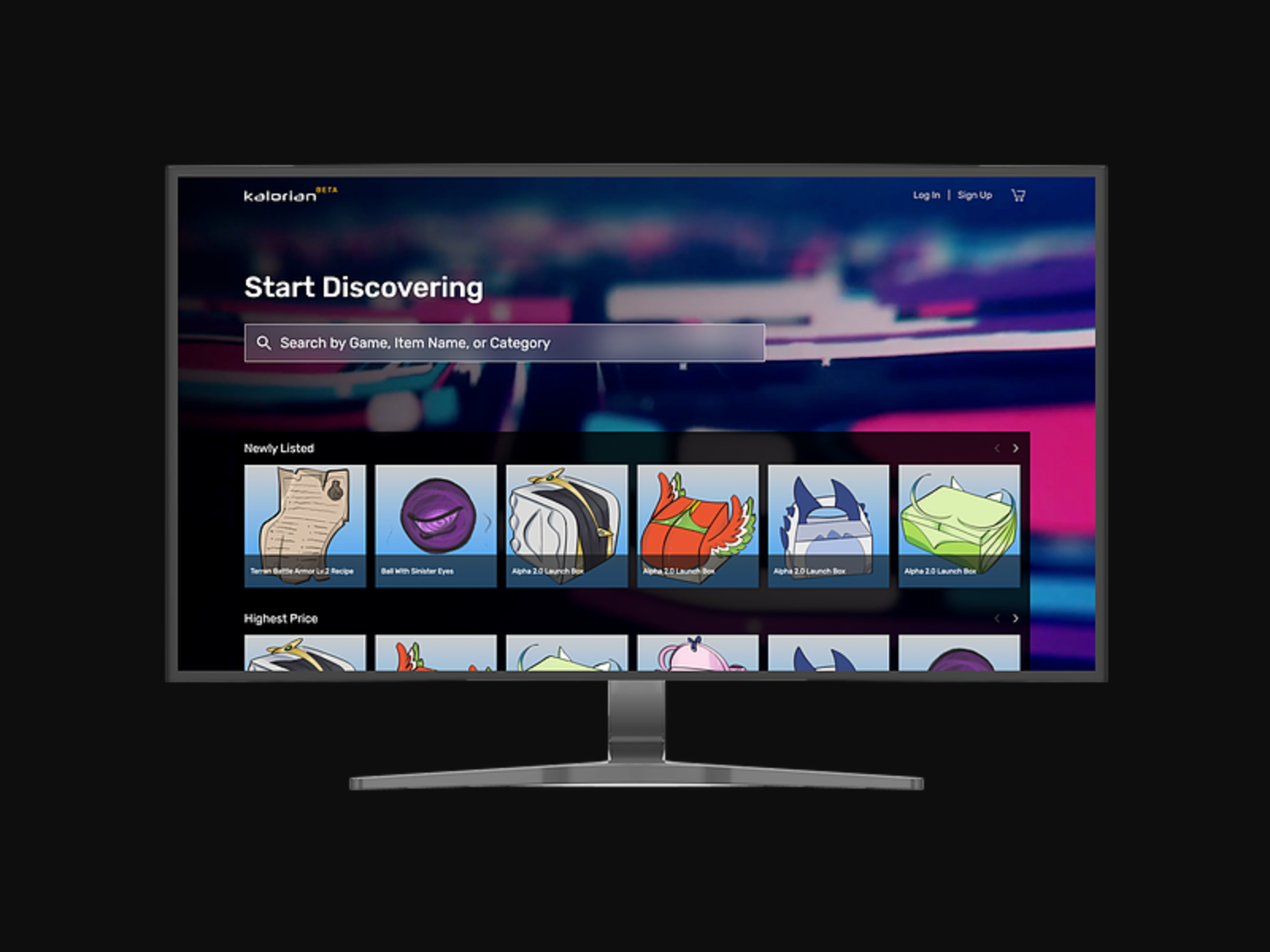
The original inventory forced users to click carousel arrows repeatedly through a collection that could run into the hundreds or thousands, and there was no way to sell more than one item at once, a serious limitation for gamers offloading large collections.
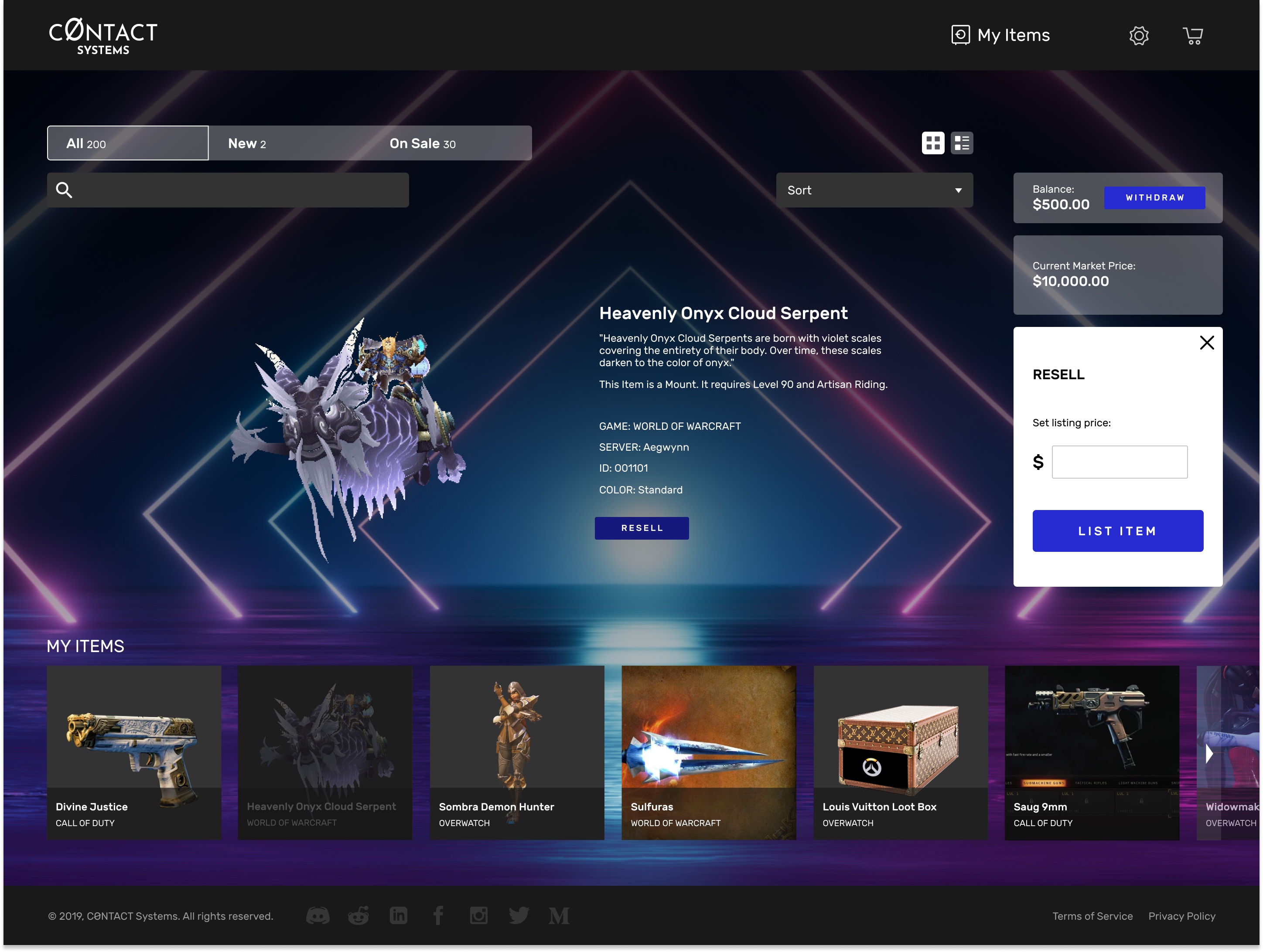
I ran competitive analysis on other resale platforms, stayed in active conversation with beta users through the company Discord, and researched how inventory is actually presented inside games. That last piece shaped the key insight, that a game and a storefront want opposite things from a thumbnail:
Players already recognize their own items
Strangers browse unfamiliar items
Small thumbnails with names on hover in the seller's own inventory, and larger labeled thumbnails on the discovery storefront where people browse unfamiliar items.
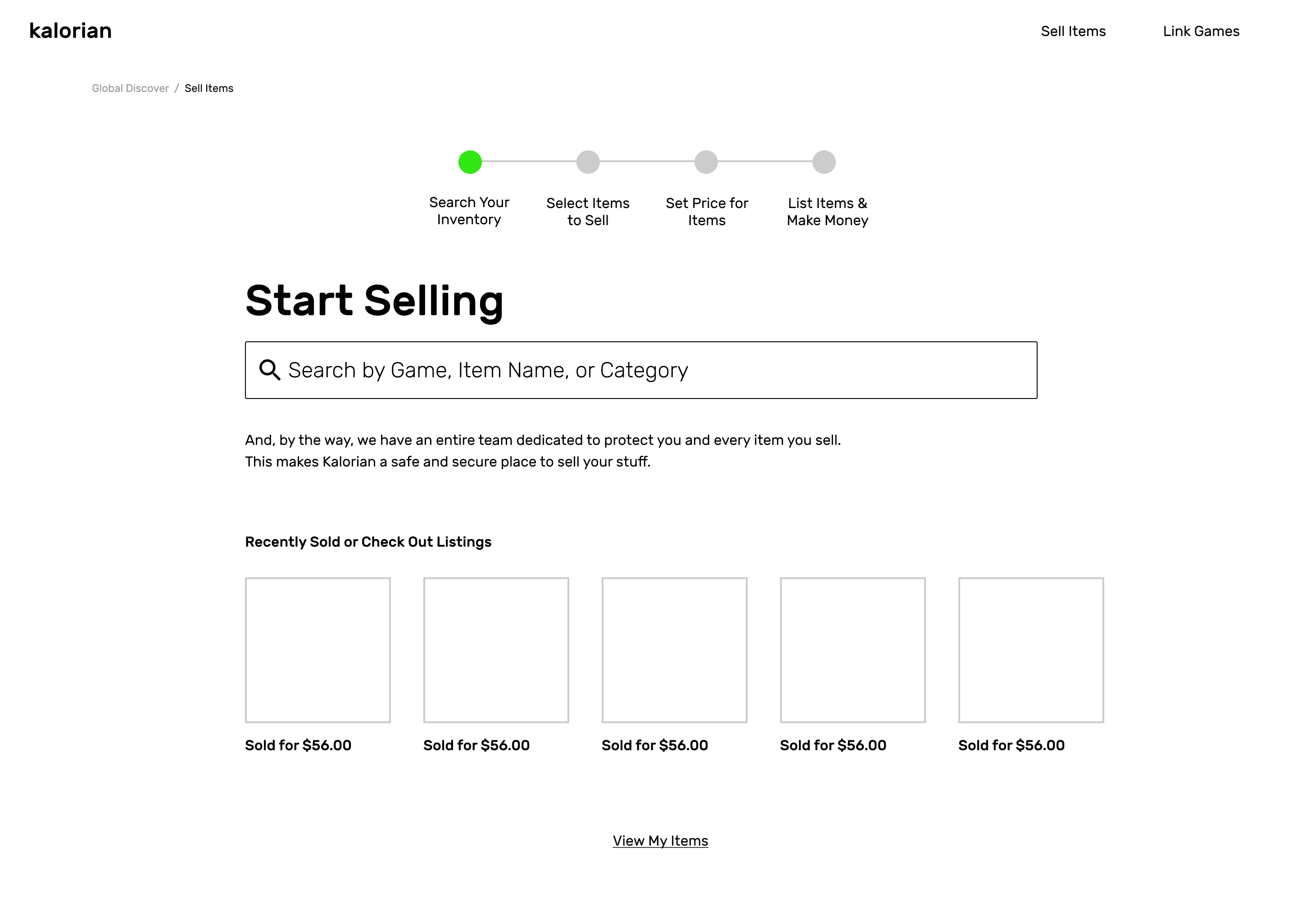
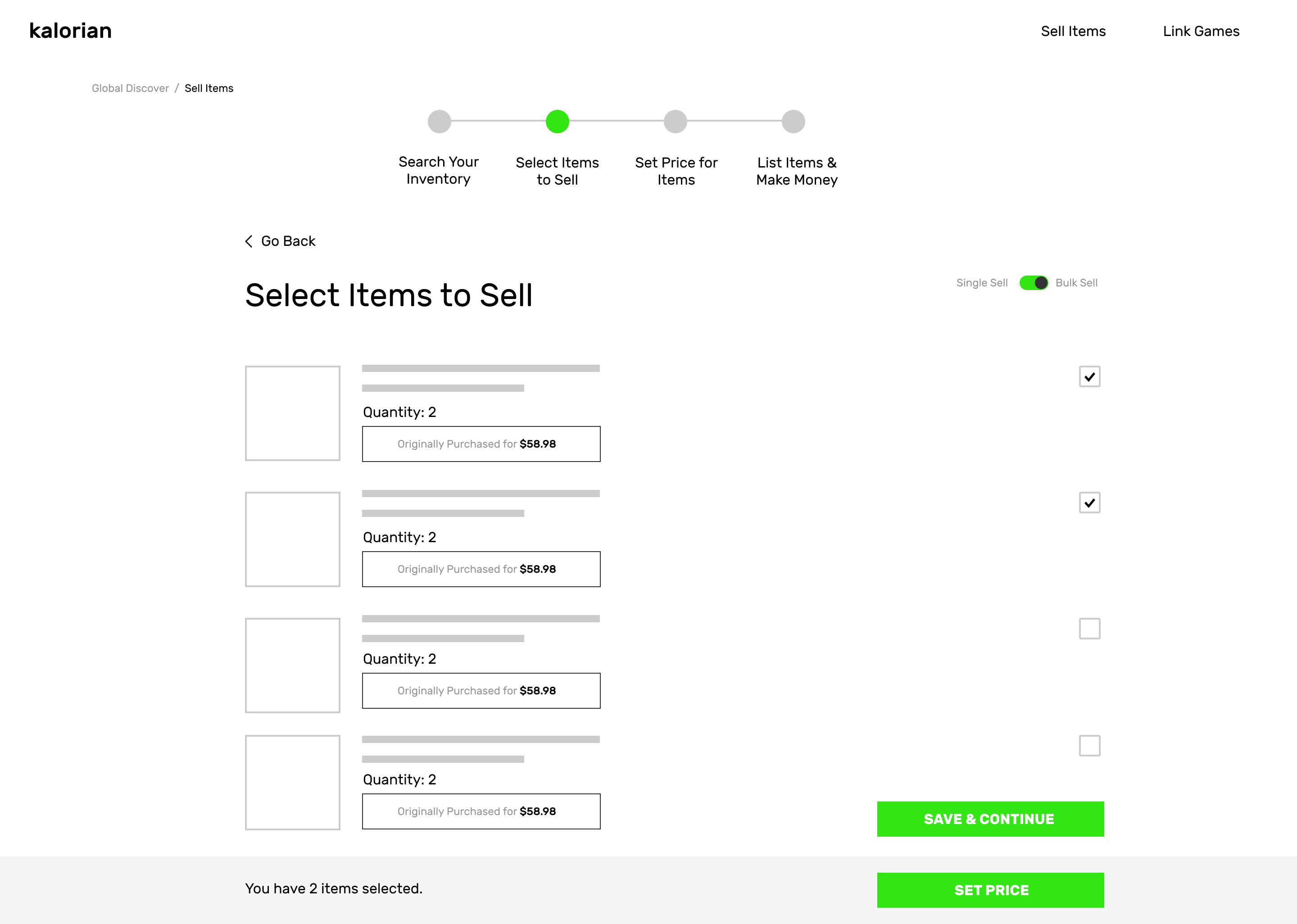
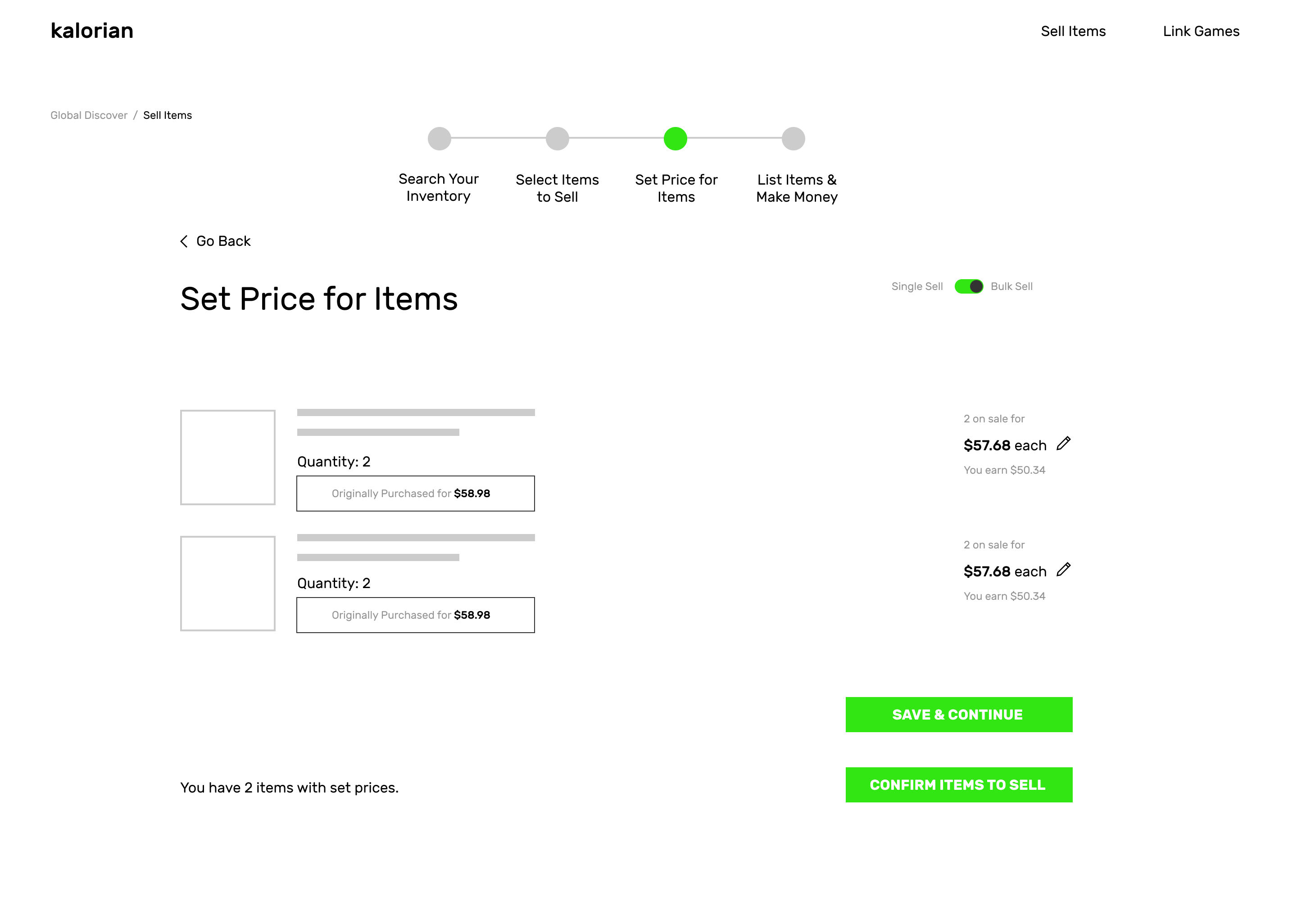
The core change was a "selling state" that turned bulk listing into a quick, repeatable flow:
Game-based filtering at the top of the inventory made a large, multi-game collection easy to narrow before selecting.
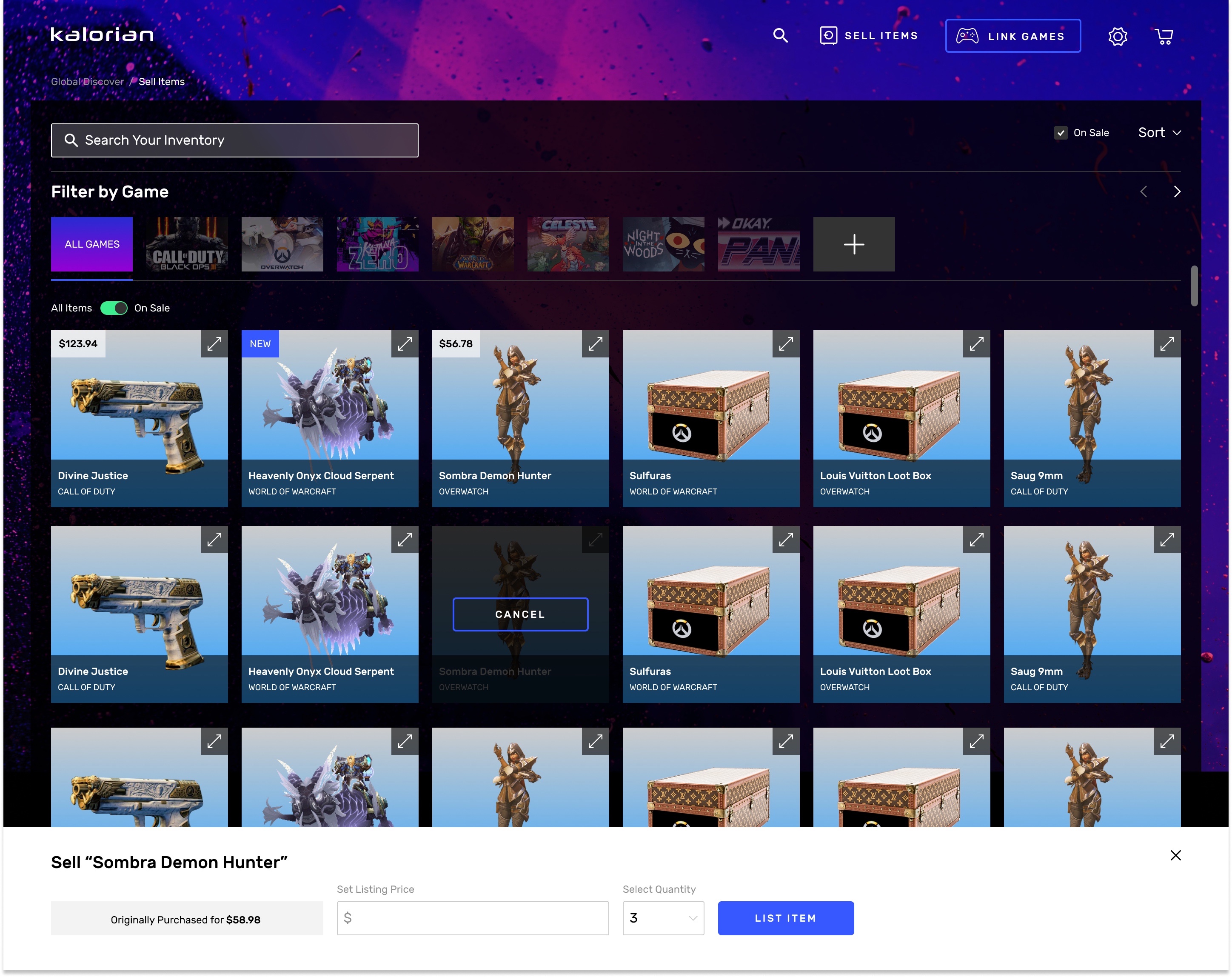
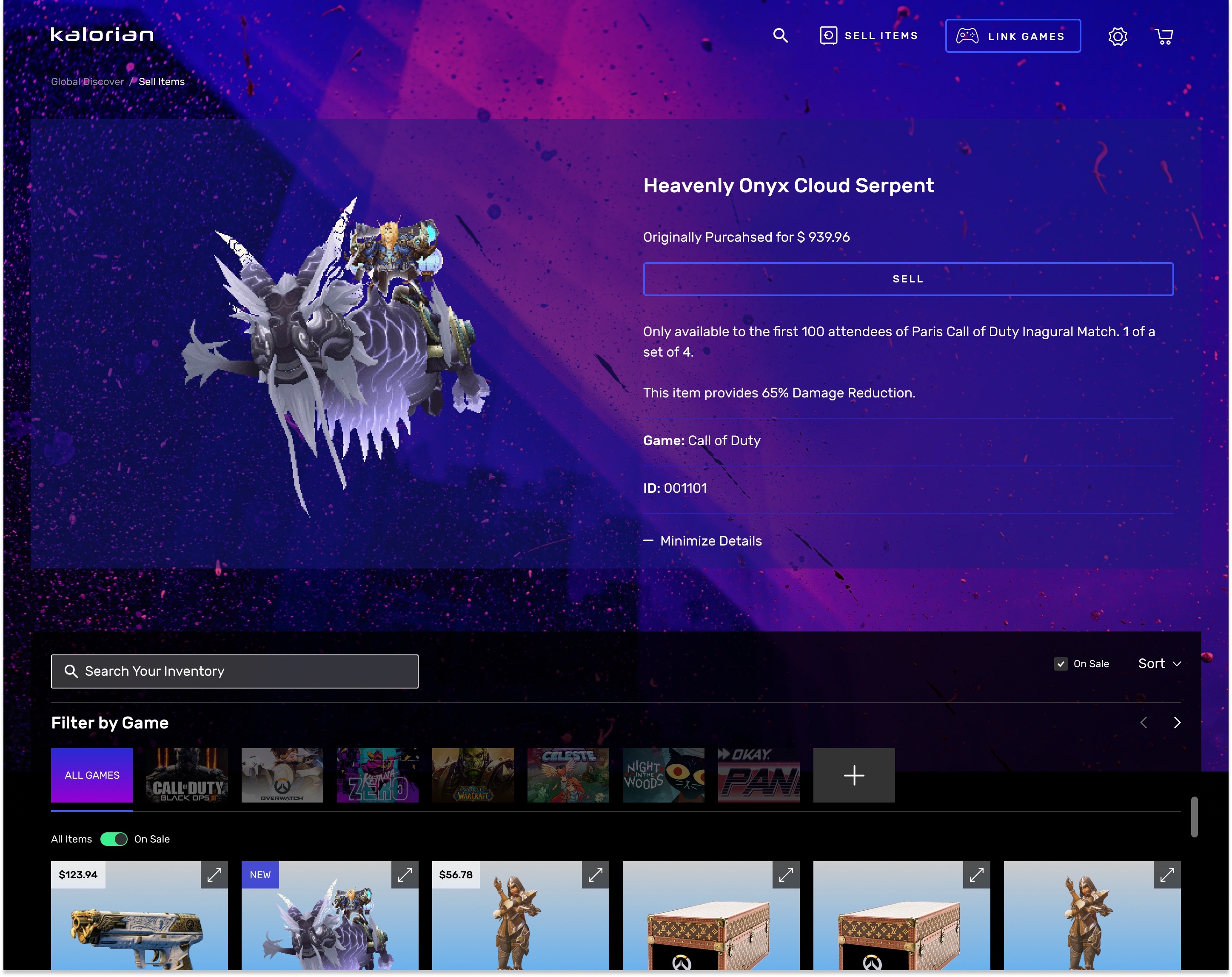
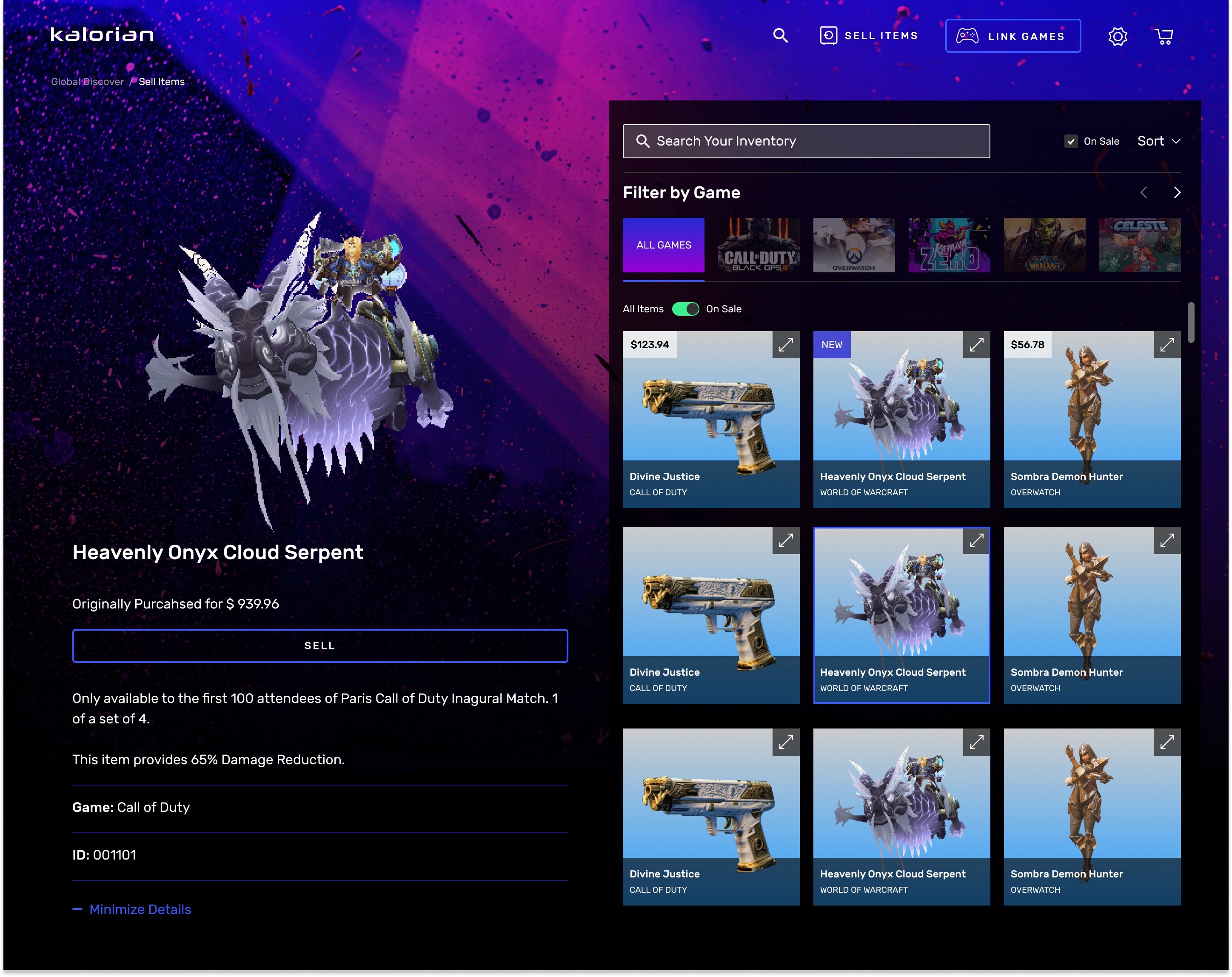
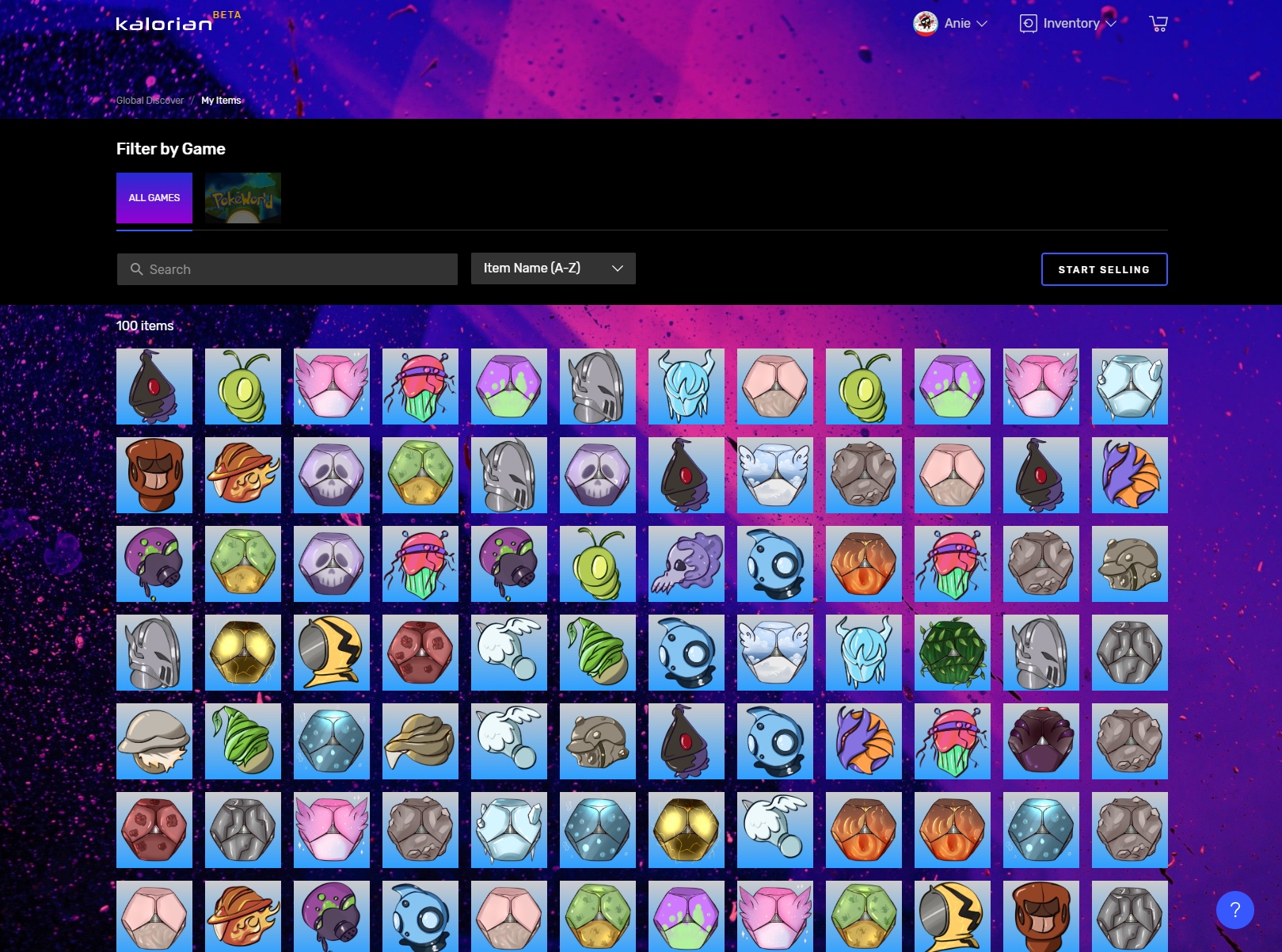
Gamers responded well to the new browsing and bulk-selling experience at launch, and we shipped a separate listings page where sellers could track and edit active listings in one place.
Kalorian lost its funding shortly after launch, during the 2020 shutdown, so there's no longer-term data on how this feature moved the business. I've kept it in my work because it's an honest example of solo-designer ownership under real constraints (from research through shipped product) even when the company didn't get the runway to prove it out.