← All Work
Health ยท iOS (Personal Project)

FitOn

Customizable Fitness Program

Company
Personal Project
Role
Product Designer & Researcher
Timeline
Self-Directed
Team
N/A
FitOn

Overview

FitOn offers free, celebrity-led fitness videos and builds a "personalized plan" from a handful of upfront preferences, but gives users almost no way to adjust that plan once it exists. As a regular user, and a busy mom with limited workout windows, I used this as a self-directed case study in progressive personalization.

The Problem

Once a plan is generated, there's little users can do to refine it further. Favoriting a workout drops it into a separate section that's disconnected from the plan itself, and as new workouts are uploaded, that favorites list becomes harder to navigate. Users can't delete workouts they don't want or reorder the ones they do.

Research

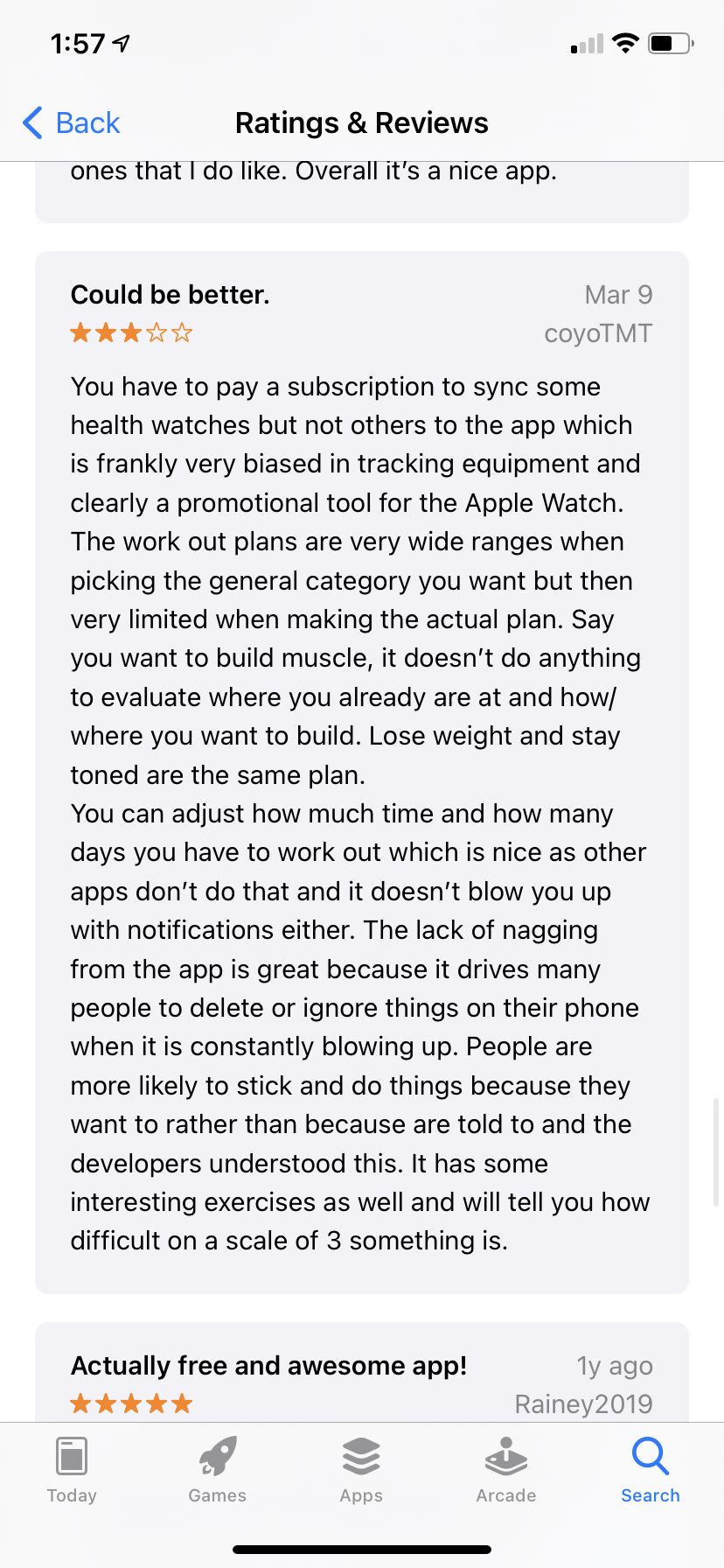
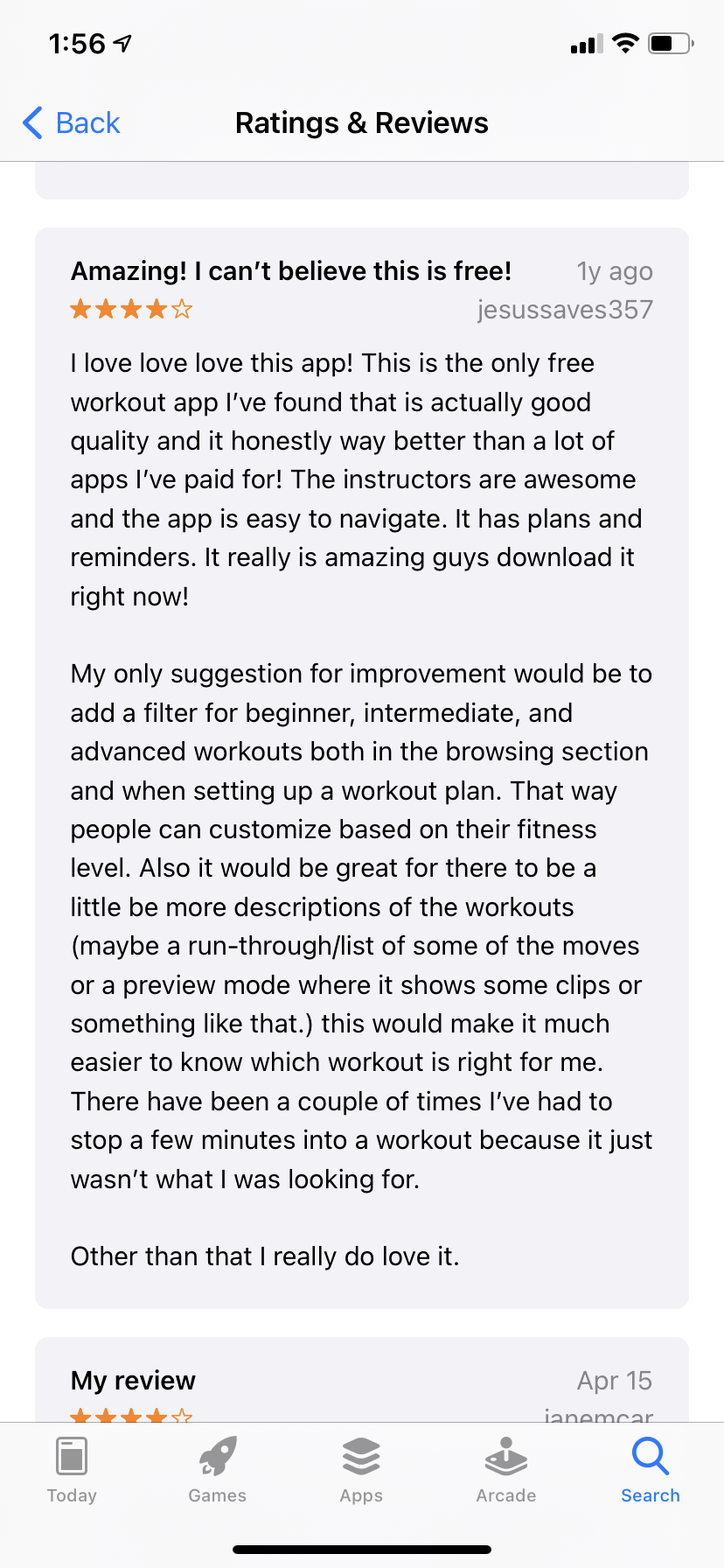
I combined personal usage friction with a pass through App Store reviews, which surfaced the same requests repeatedly: delete workouts you don't like, add more of the ones you do, and preview a clip before committing to a full workout.

A competitive check against Workout Women (4.8★, 419K ratings vs. FitOn's 4.9★, 138K ratings) showed that even a larger competitor hadn't solved deeper plan customization — a real opportunity for FitOn to differentiate.
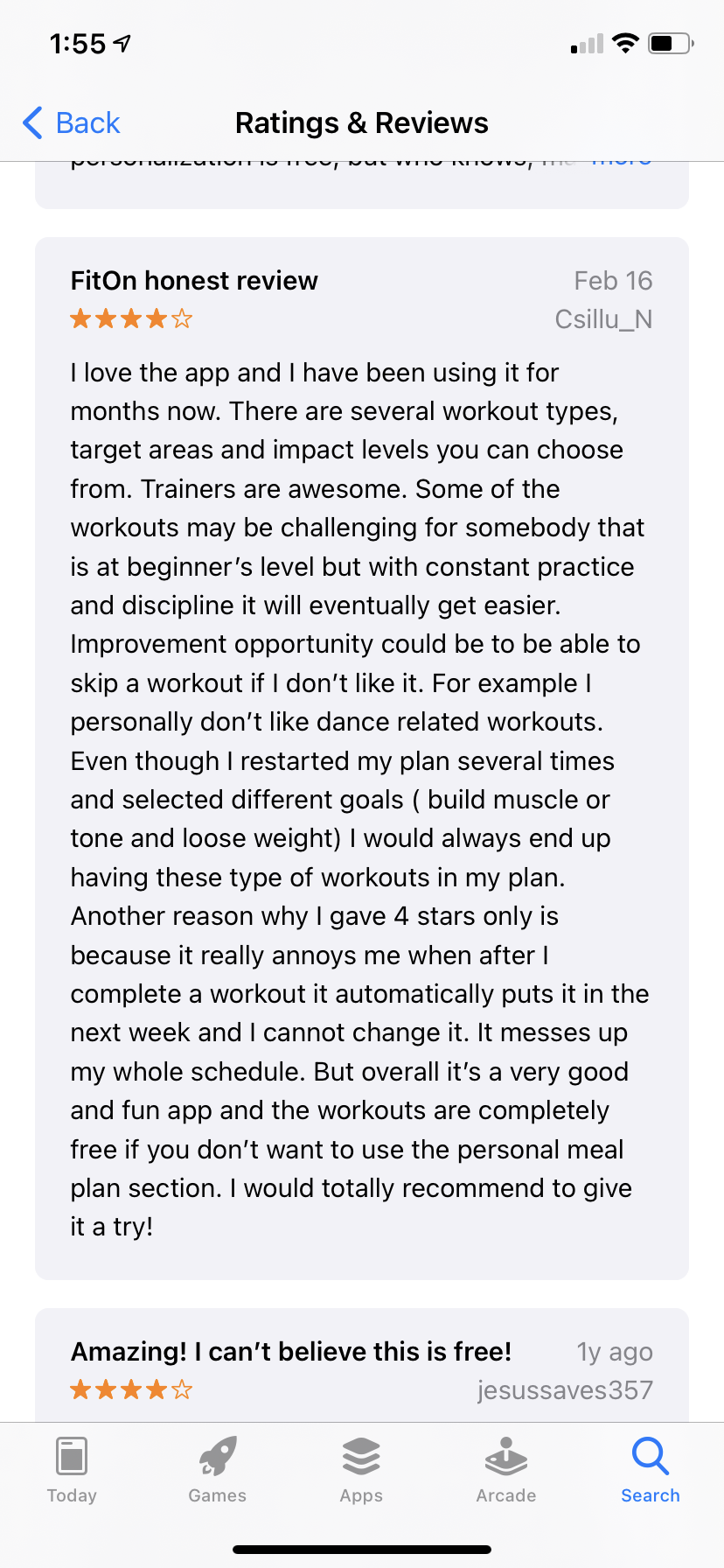
App Store review
App Store reviews surfacing the customization gap.
App Store review
App Store review

Solution

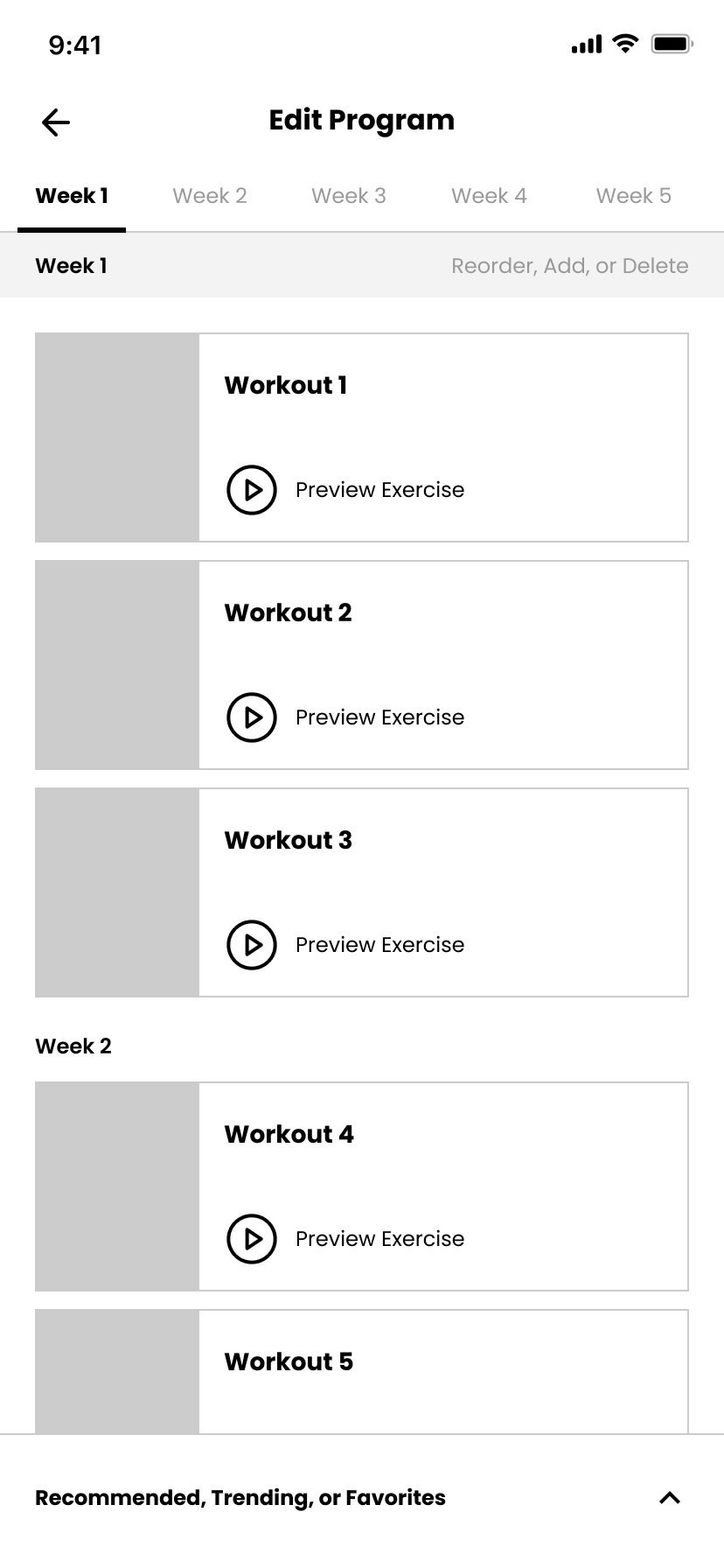
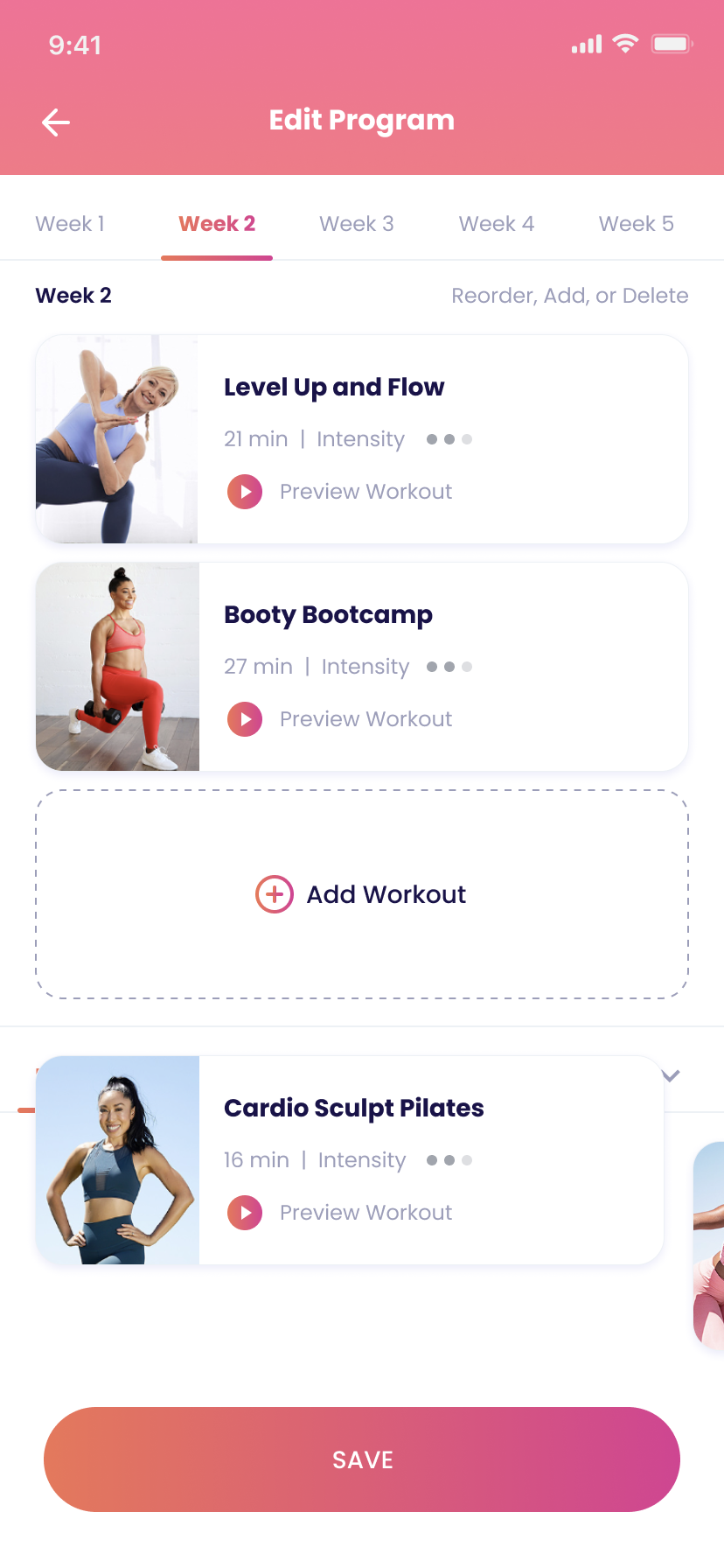
  • An "Edit Program" screen with drag-to-reorder and swipe-to-delete for existing plan items
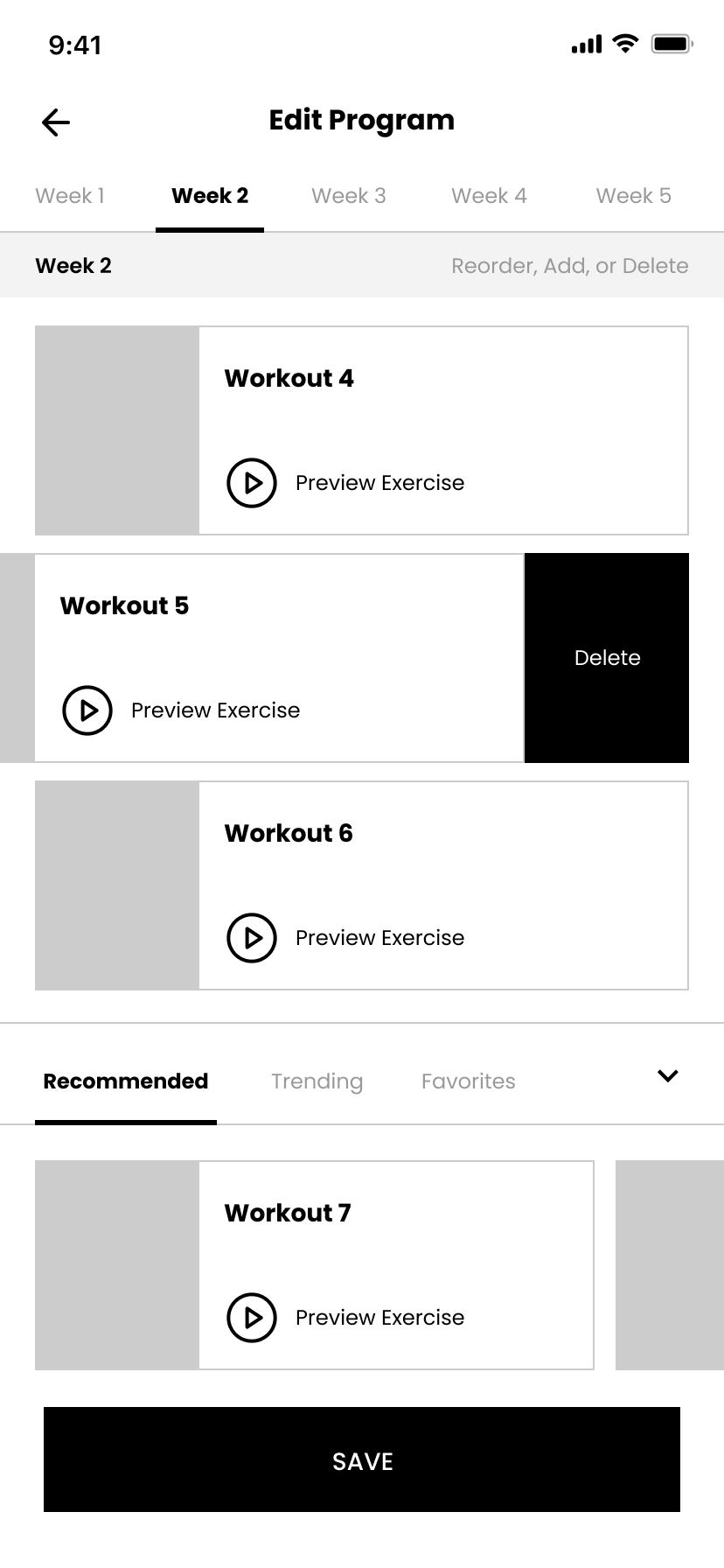
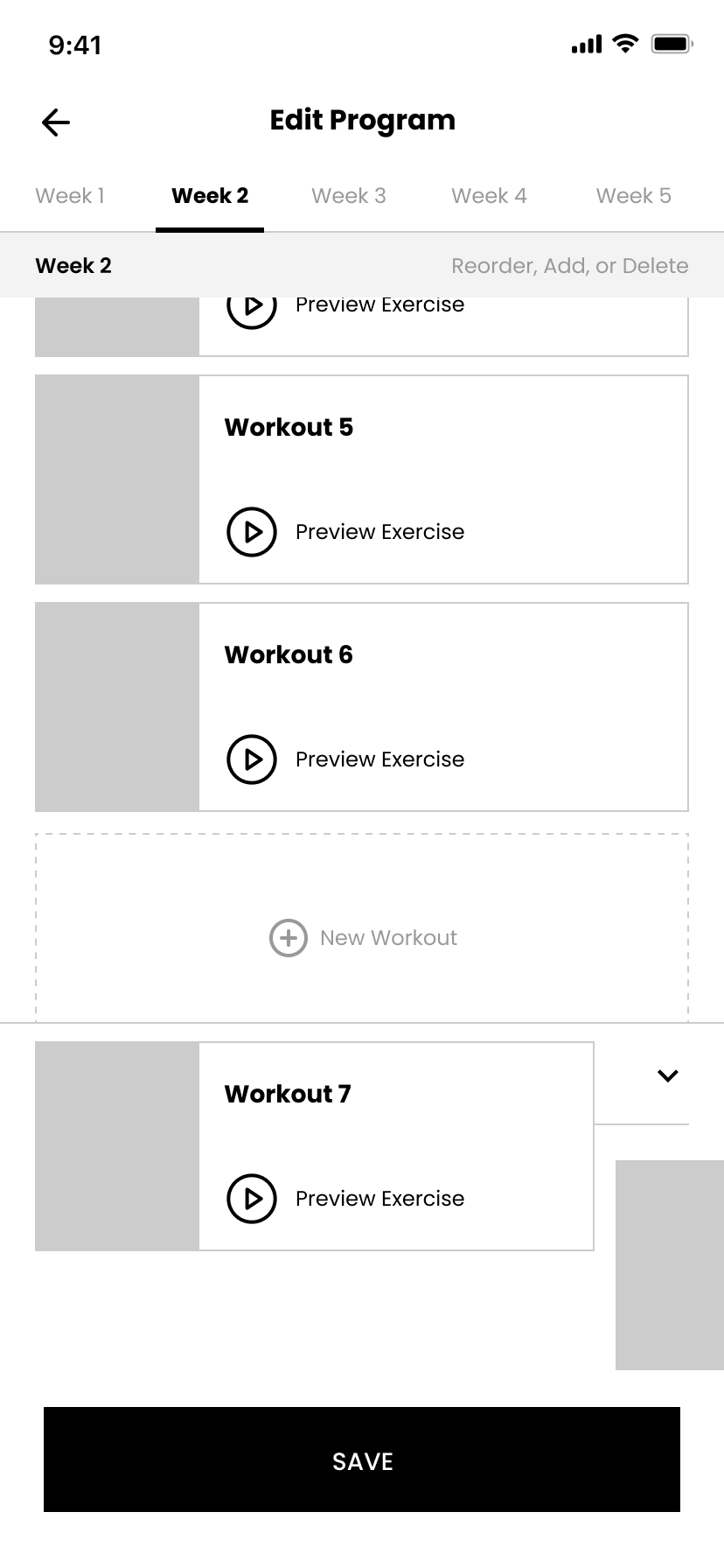
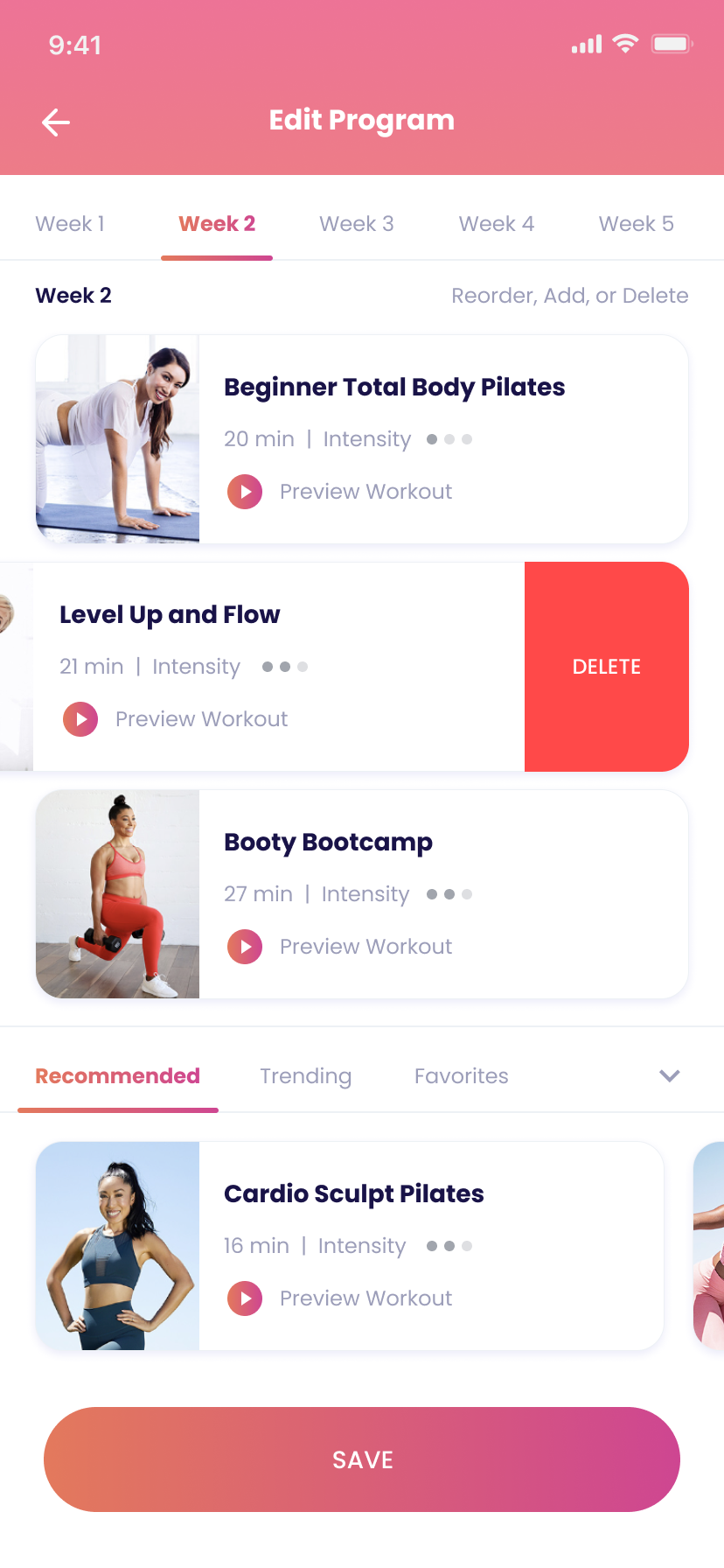
  • An expandable bottom sheet to pull workouts in from Recommended, Favorites, and Trending without leaving the editing flow
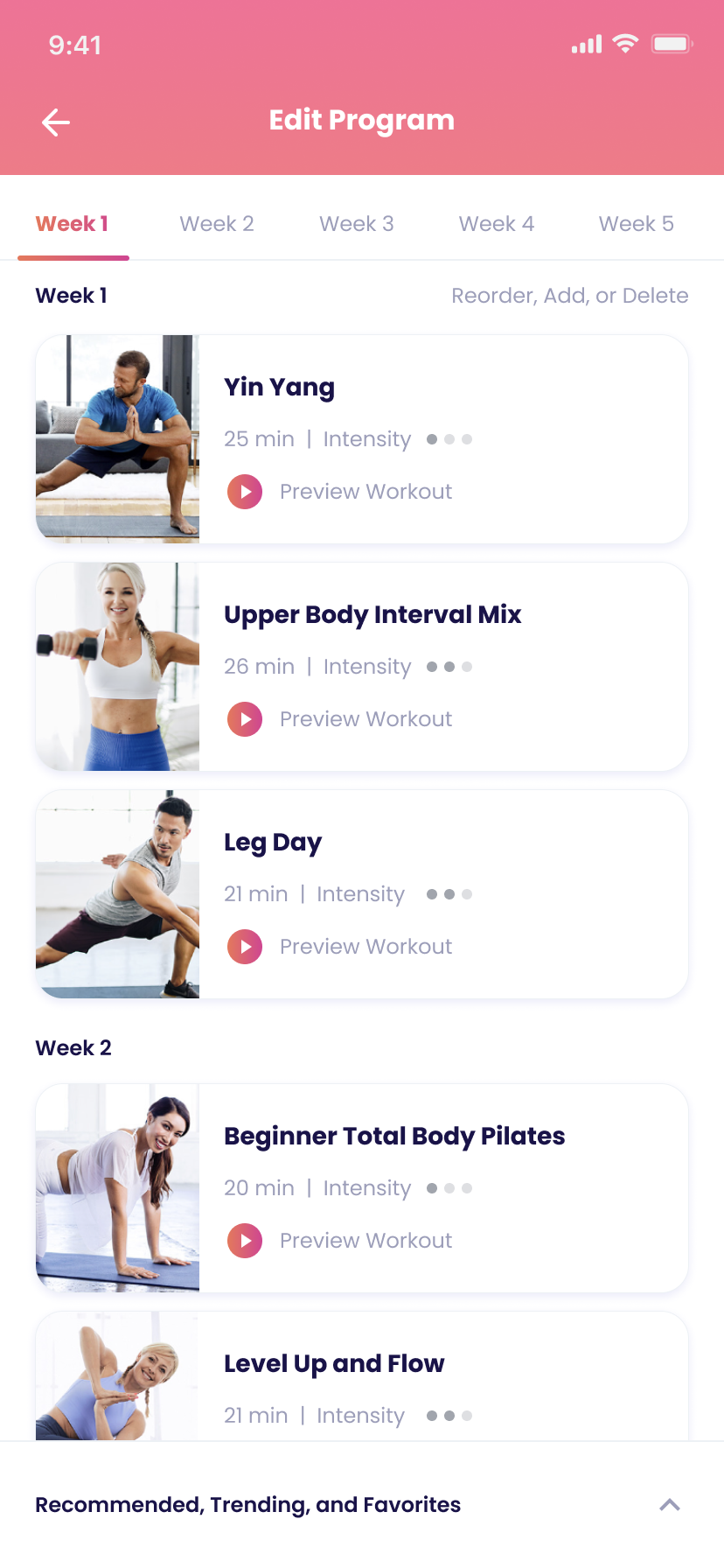
  • Preview clips so users can see a workout before adding it
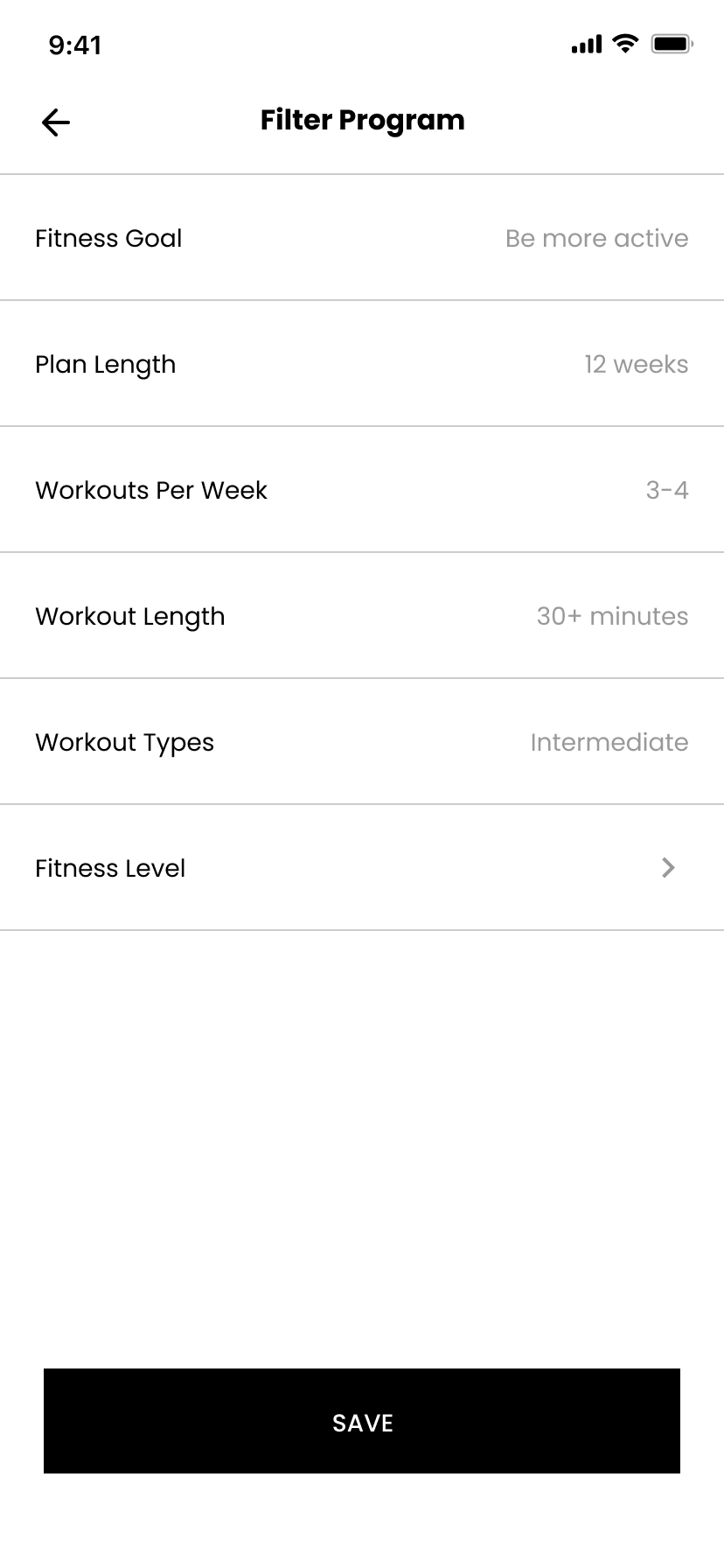
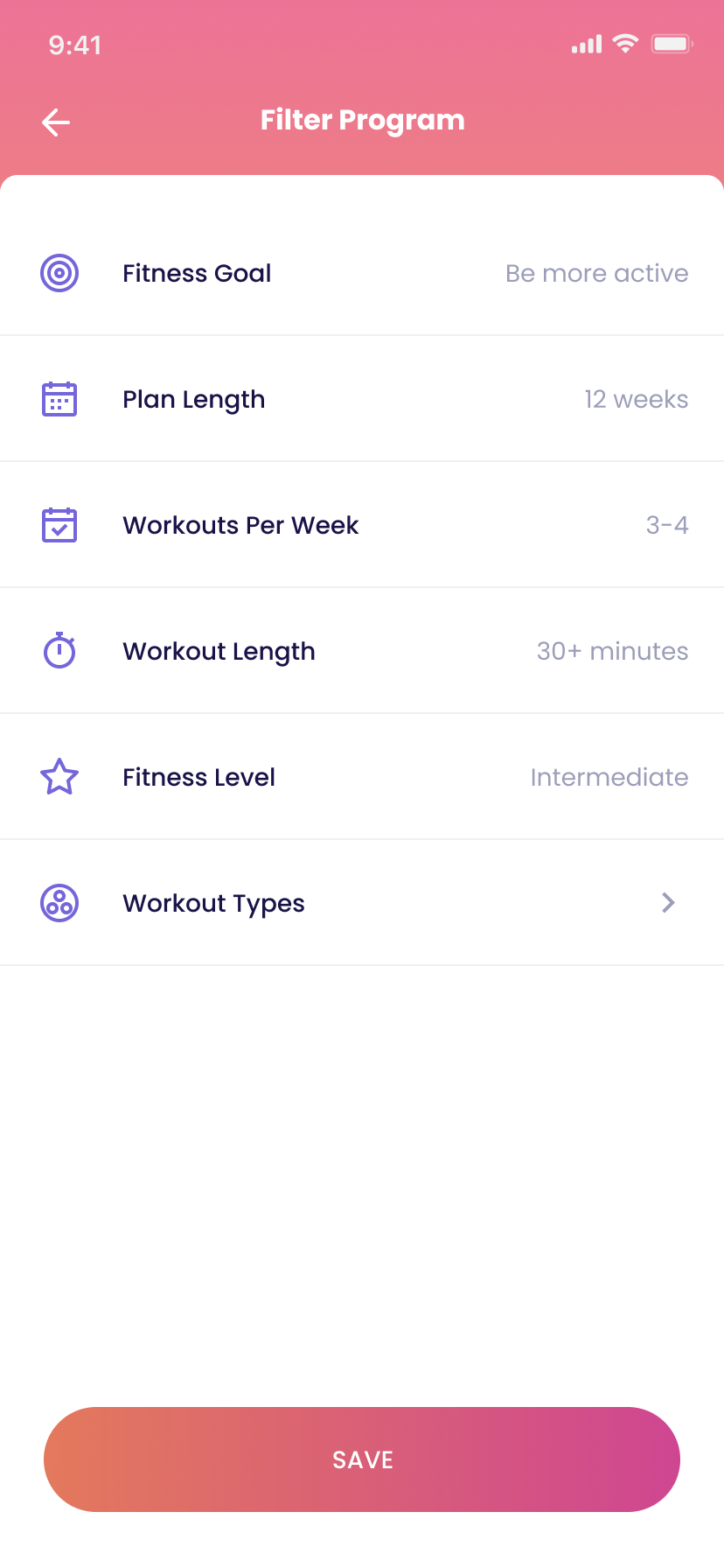
  • A fitness-level filter added alongside existing filters
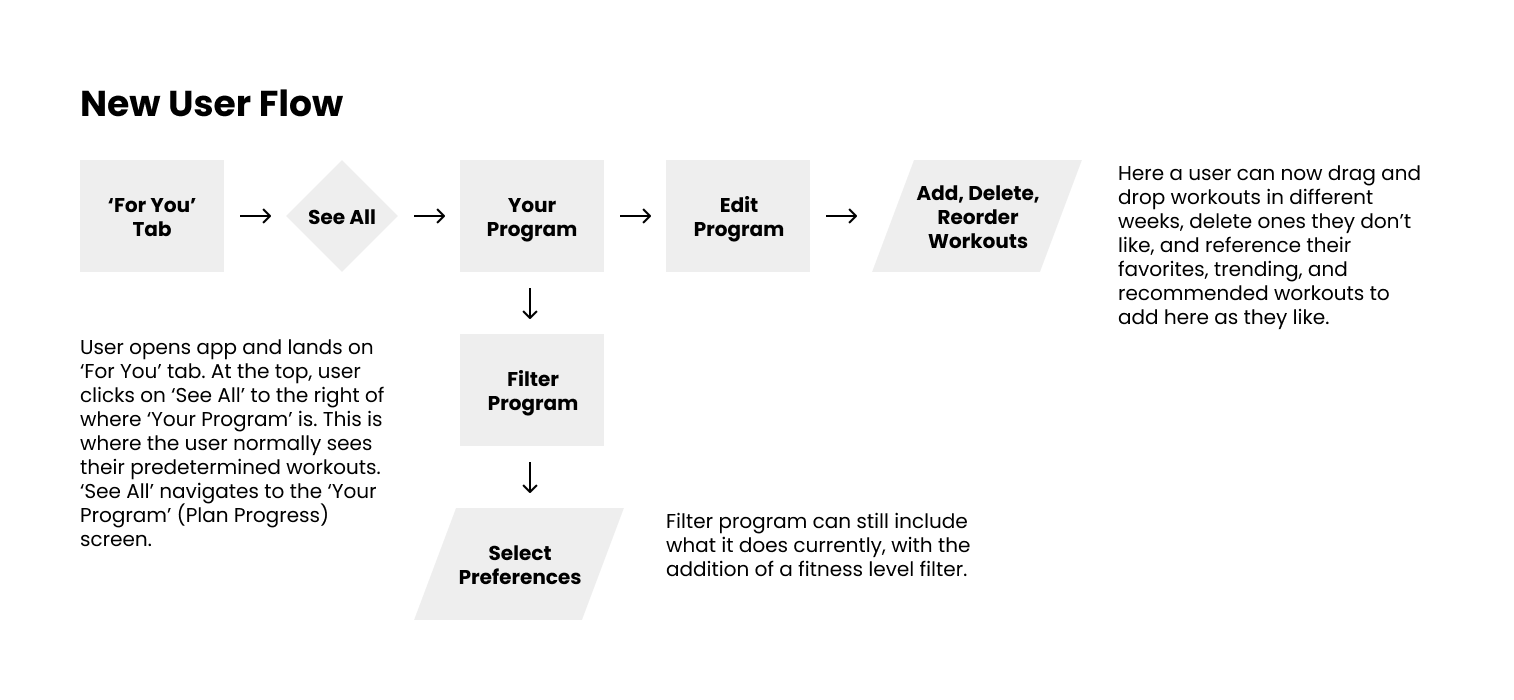
New user flow for editing a fitness program
New user flow for the Edit Program experience.

Wireframes:

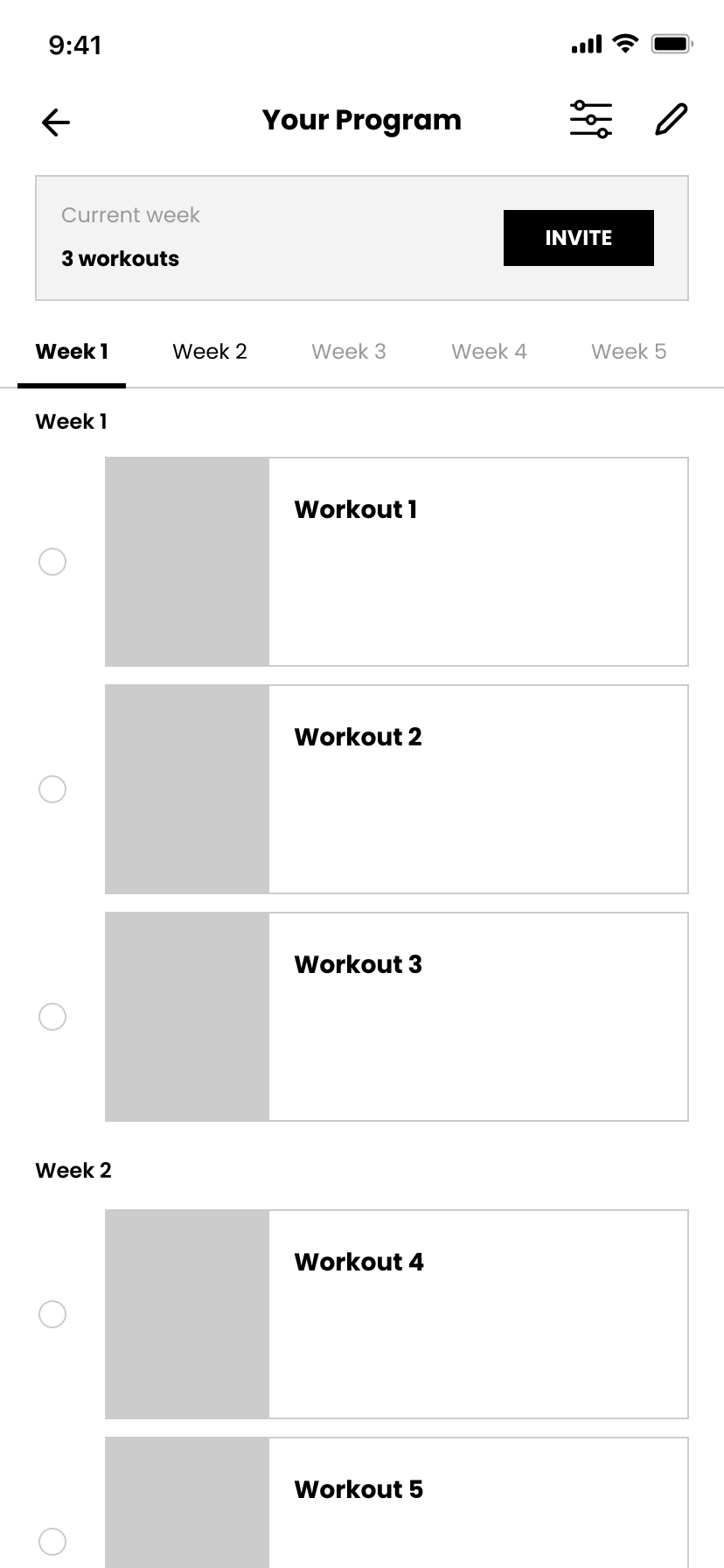
Your Program wireframe
Your Program.
Filter Program wireframe
Filter Program.
Edit Program wireframe
Edit Program.
Expanded bottom bar wireframe
Expanded bottom bar.
Drag and drop wireframe
Drag & drop.

High-fidelity final designs:

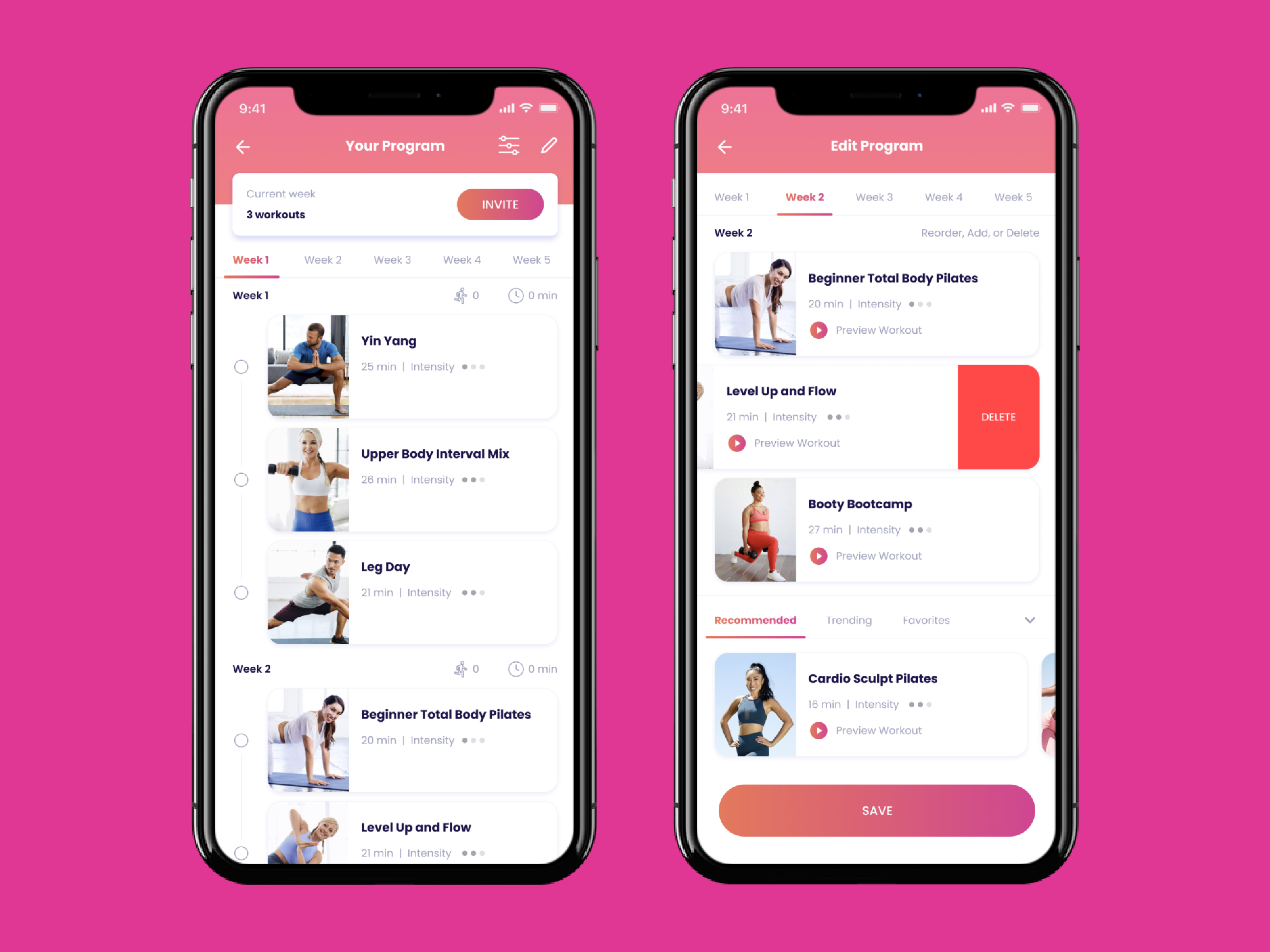
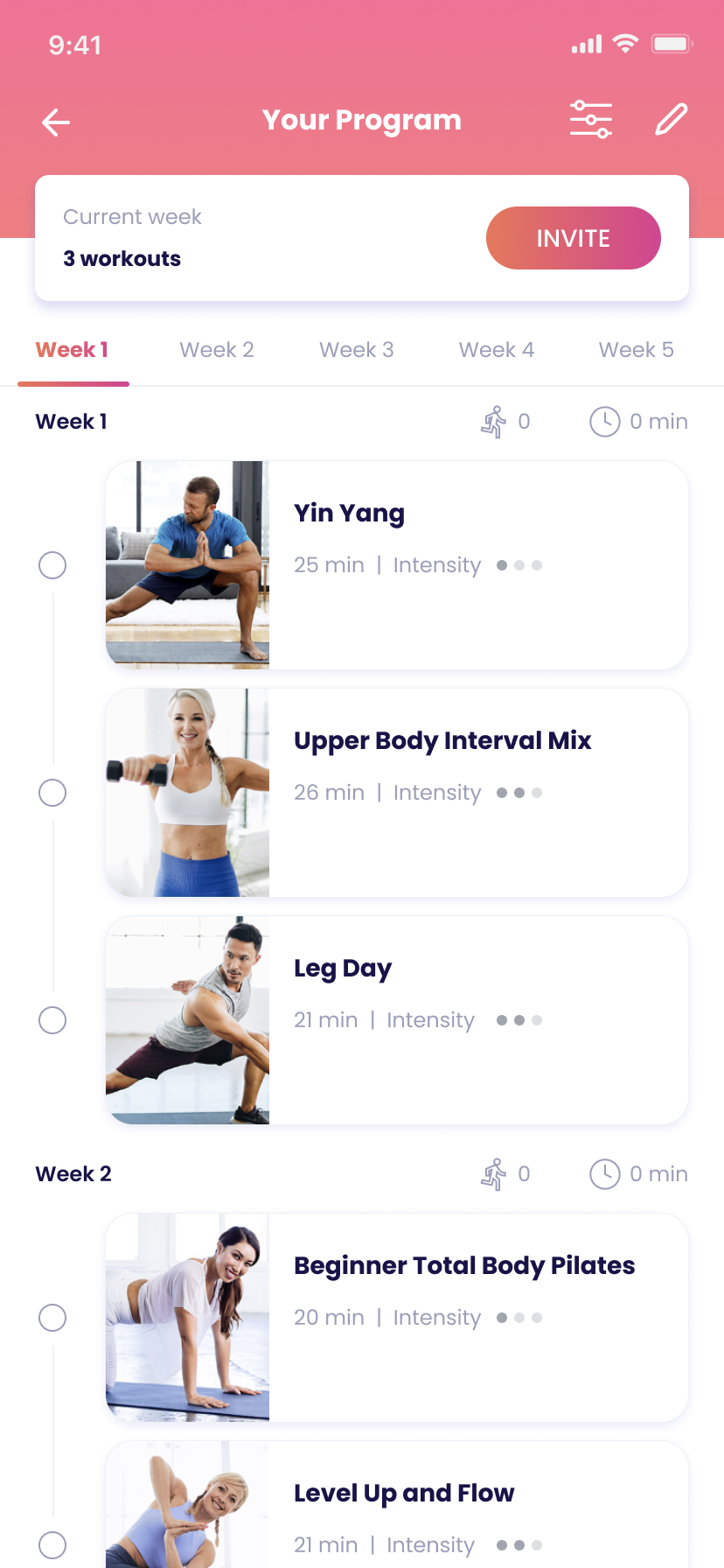
Your Program hi-fi
Your Program, with edit icon added.
Filter Program hi-fi
Filter Program, with fitness level added.
Edit Program screen with preview clips.
Expanded bottom bar hi-fi
Expanded bottom bar: add from Recommended, Favorites & Trending.
Drag-and-drop reordering, swipe to delete.

Rollout Plan

I scoped delivery in four phases by build cost and risk, rather than proposing everything at once:

  • Phase 1 · Fitness-level filter: near-zero engineering lift, since FitOn already uses this taxonomy elsewhere in the app
  • Phase 2 · Edit Program screen: A/B test against the existing plan-creation flow, 2–4 weeks to measure engagement and return visits
  • Phase 3 · Preview clips: 1–2 weeks to test once footage exists; reusable across the rest of the app
  • Phase 4 · Recommendations: held for last, since FitOn didn't yet track the signals a recommendation engine would need
← Previous
Kalorian